OpenUsage
Local-first terminal dashboard for AI tool spend, quotas, and rate limits across 37 providers — Claude Code, Codex CLI, Cursor, Copilot, Antigravity CLI, OpenRouter, OpenAI, Anthropic, and more.
brew install janekbaraniewski/tap/openusage
openusage telemetry daemon install
openusage
That is the entire setup. OpenUsage auto-detects installed AI tools and API keys on your workstation, the daemon collects data in the background, and the TUI shows live data in your terminal.
:::tip Homebrew 6.0+
Run brew trust janekbaraniewski/tap once so OpenUsage stays linked across brew update. See Install for why.
:::
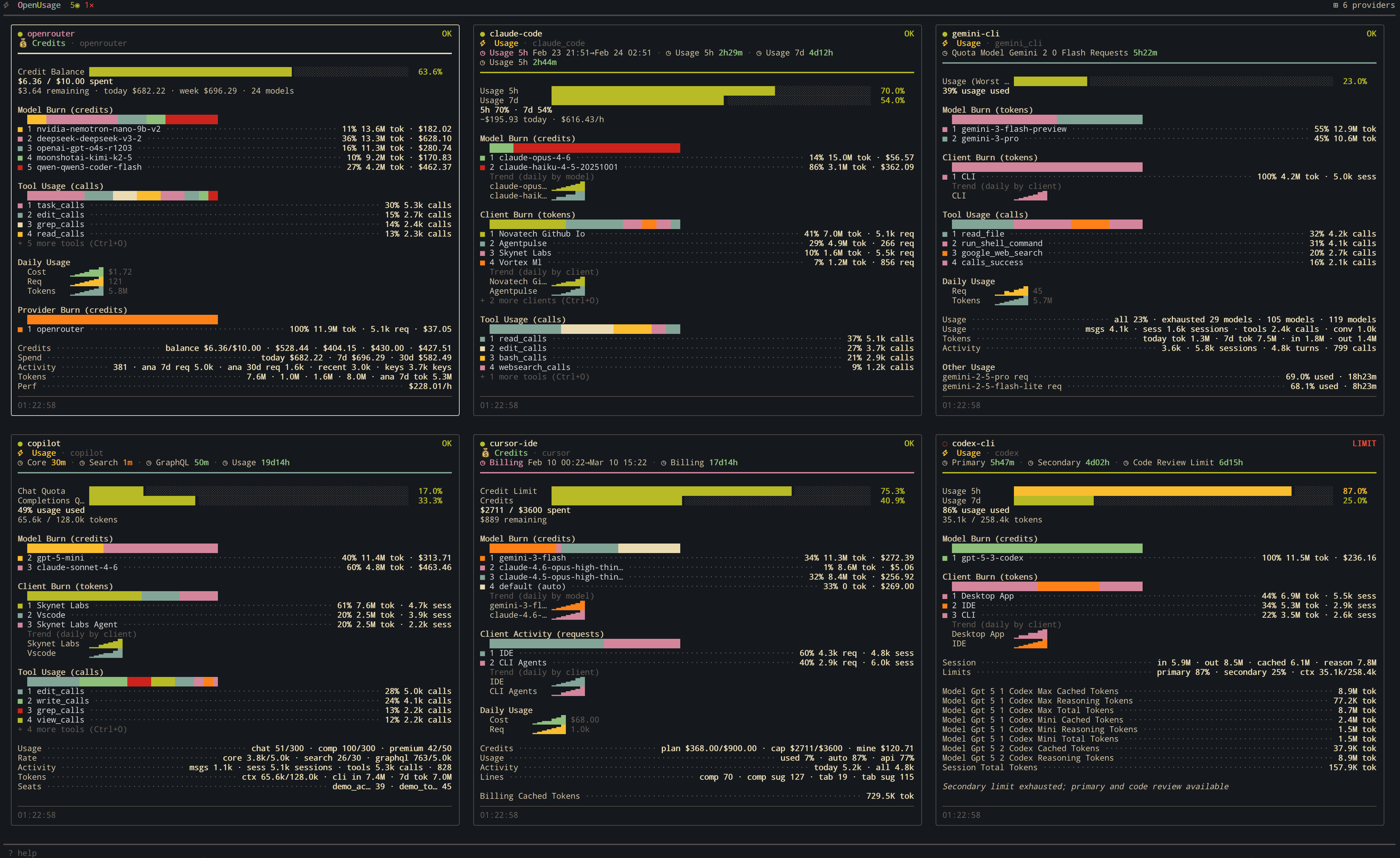
Why OpenUsage
- One view across every AI tool — coding agents, API platforms, local runtimes, side by side
- Local-first — no cloud, no telemetry sent anywhere; your data never leaves the machine
- Zero config — run
openusageand the dashboard fills itself in - Always-on collection — the daemon keeps gathering data even when the dashboard is closed
- Tool integrations — opt-in hooks/status-line bridges for Claude Code, Codex CLI, OpenCode, and Antigravity add richer detail
Where to start
What you can do with it
| Goal | Page |
|---|---|
| Track which AI tool is burning budget | Cost attribution guide |
| Track multiple keys for the same provider | Multi-account guide |
| Run on a headless server | Headless servers guide |
| Customize the look | Themes |
| Add a provider that doesn't exist yet | Contributing — add a provider |
Help
OpenUsage is open source under the MIT license.